Supercollection #11
No reviewers
Labels
No labels
bug
duplicate
enhancement
help wanted
invalid
question
wontfix
No milestone
No assignees
1 participant

Notifications
Due date
No due date set.
Dependencies
No dependencies set
Reference
gh-thirtybees/tbupdater!11
Loading…
Reference in a new issue
No description provided.
Delete branch "supercollection"
Deleting a branch is permanent. Although the deleted branch may continue to exist for a short time before it actually gets removed, it CANNOT be undone in most cases. Continue?
This collection includes all the patches from @musicpanda as well as most of the ones I have lying around here. Graphics glitch fixes, more logical panel ordering, some code cleanups, acceptance of manually downloaded files, operations on Windows, and not to forget: backup working! (thanks to musicpanda)
musicpanda ones didn't come as patches, more like a description on how to make a patch. Mine were written many months ago. Which means for all these commits: please test before merging. I'll try to test in the next couple of hours myself; as this module is pretty crucial please do so as well.
Added a commit to fix more graphics glitches. Especially those reported here: https://forum.thirtybees.com/post/11150
Third iteration, triggered by the forum request to support refresh-upgrades. Abandoned the idea of such refresh upgrades, though. Not easily implementable, it might even get into the way of future features of this module.
Here's how one can test the module on a developer installation:
config/settings.inc.phpand change TB_VERSION to 1.0.2.git checkout 1.0.2git diff --stat 1.0.3This should be an empty diff.
Actually it isn't, the admin theme (
admin-dev/themes/default) isn't updated. Will investigate tomorrow why this doesn't happen.Found the cause of these diffs remaining: they're either in
install[-dev]or are Sass/SCSS files of the admin theme or they're subrepository pointers. CSS files do get updated. Many of these files are in the downloaded ZIP, but not listed in the file action JSON.Accordingly, this is a much better comparison command:
While some of these exclusions are a bit questionable (Sass, SCSS, composer.json), these exclusions aren't caused by the updater module or commits in this pull request.
Module appears to work fine, I consider it ready for merging.
As suggested here https://forum.thirtybees.com/topic/1032/the-big-upgrader-upgrade/22 I added another commit to wrap the remaining usages of
Tools::displayError()indie().You are a genius! :D
Thanks and will be merging this one soon.
Hmmz, still stuck:
I think we should blame improper frontend state management stuff. I see quite a few undefined variables and lists that do not move on. The code, like the backend used to be, is just beyond maintainable and hard to follow.
Quite a drastic choice, but I think the frontend deserves a rewrite. We'll have a look at what to do next. vue.js perhaps? Similar kinds of problems have been solved already with the Elasticsearch module and it just couldn't be any easier with lodash and vue.js.
Hmm. I did several backups and database backup always went through in like 2 seconds. Looks like I have to ask you to find out what makes it stuck in your setup.
Regarding the technology used for a rewrite I don't care much about which technology this is, but from the maintenance point of view it's certainly a good idea to have one recommended (and documented) technology. Currently there are so many similar, but different technologies, one has to start learning how it was done over and over again. Some use .tpl, some use .phtml, some write formatting by hand, some use .tpl partials, some use this array in renderForm(), and so on.
For the abstraction level I like the renderForm() approach, which keeps actual rendering entirely away from module / admin controller code. This is backoffice stuff, so no need for fancy designs or squeezing out the last percentage of performance. Reliable operations and simple module code matters.
P.S.: glad to see you like this joint effort of @musicpanda and me :-)
Hmmz, I'll try again. An experimental PayPal module was delaying every request by 4-5 seconds. That's all I know atm.
Nope, always stuck at
search_indexfor some reason. Search functionality has been disabled for Elasticsearch but I cannot imagine it affects that.Table structure is as follows:
It starts with 291 tables, stuck at 140
Oh damn, it has 170k rows, just for indexing the search. I'd say: let's skip this table.
Rewrite it is then. Even if this is skipped all the references to processed ajax requests and other stuff still eat RAM like a maniac, eventually causing this during an upgrade:
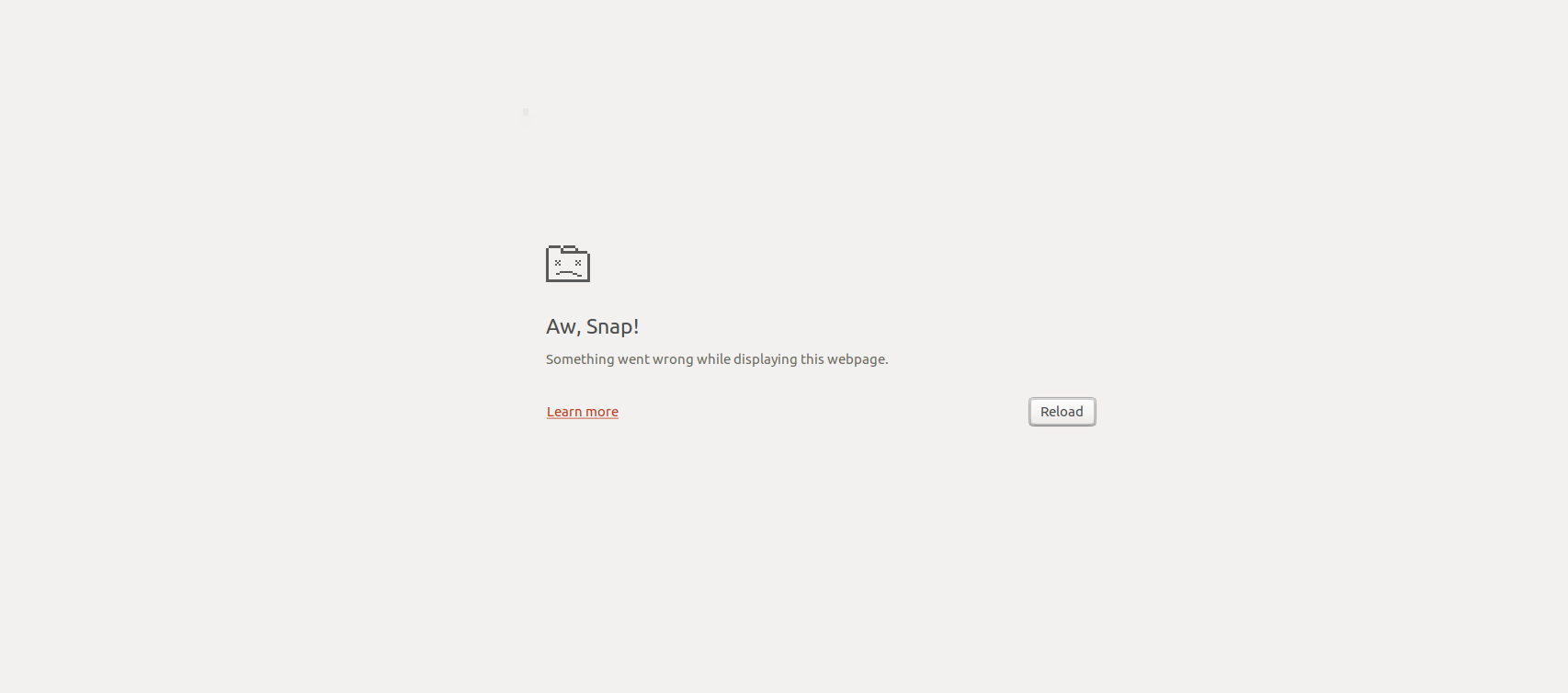
PS: I am testing on a copy of a production environment. In all those years I have never been able to update this store properly somehow :(
Too much data to handle is my guess.
When I filed the updates I noted that there was one problem left: the database backup that should result in multiple files - discerned by some numerical suffix - was instead overwriting each time the same file so that you were left if a fragment of the backup.
Somebody fixed that in the underlying update by creating only one backup file - no matter how big the database. I haven't studied it closely, but I would expect it to result in problems in shops with gigabytes of database data. Both timeouts and difficulties with restoring are possible.
Anyway, I still hope one day to find time to fix the original algorithm. But I expect it to take easily a day of work and it may take quite some time before I find time for that. For the time being I believe it is better to have something that works at least for some shops than something that doesn't work at all.
@firstred would like to have more control at the front end and less communication between front and back end. I support the second but have some doubts about the first.
The only part of update process that I really understand is the backup of the files. So I will take that as an example. At the start the list of files is read into a database table and then each time the ajax call is made another 400 files are backup'ed and deleted from this table. Too big files are skipped so that it should always be possible to handle those 400 files without a server timeout. Of course one could imagine a more secure setup where you store the lengths of the files. But complete security against a timeout is impossible as you can't know the other tasks that the server is handling at the same time.
In this process the frontend serves as a metronome or clock that calls the backend at regular intervals. In addition it transfers progress and error reports to the user. There is no point in giving it much more control. On the contrary, given that caching is a major source of trouble you don't want the sides to exchange more commands than is strictly necessary.
At the moment too much information is exchanged. But much of it is useless. The only commands that the front end really needs to send to the backend is the next state. And the only information that the backend really needs to send to the front end is some progress and error information for the user and either the present state or the desired next state so that the front end knows what next state command it needs to send in the next round.
You could add a few checks to the front end, so that for example when it finds that the number of "to do" files suddenly has increased it will abort with an error. But this is finetuning. I don't see much of a role for the front end in error handling. If for example a timeout had occurred due to a parallel process you cannot ask the backend to do the job again as the backup files have been left in an unknown state.
So when other parts of the update process give problems my instinct would be to look whether more control can be transferred to some database table(s) connected to the backend.
PS. I would love to see that configuration of Michael some day.
Hmmz, maybe that explains why my backups are so small. Thanks, will have a look at that!
Mostly because memory usage is spiking and there was no good way to get XHR responses out of memory, but now they are being dereferenced properly and I can see my browser handle them properly again. Finally able to migrate on a large database.
Yes, it is and we just cannot expect to backup large files when calling PHP from the web. It should be done with a CLI process, or better calling native binaries like
mysqldumpto dump the whole database at once. We will look into that in the future.What do you use to develop? If you take an IDE like PhpStorm for example, combined with
xdebugyou can greatly reduce the time needed to find the cause to about 10 minutes - 1 hour.It was backing up tables from an old Leo theme I had installed. One of its modules created a database table with 2 millions of unnecessary rows. The updater used to add a report for every row processed which caused megabytes and megabytes of XHR responses to be cached, eventually crashing the browser.